
text
Content
1 min read
You can use voice typing as an alternative to typing. Voice typing lets you use your voice to instantly write out words!
Let's try it now:
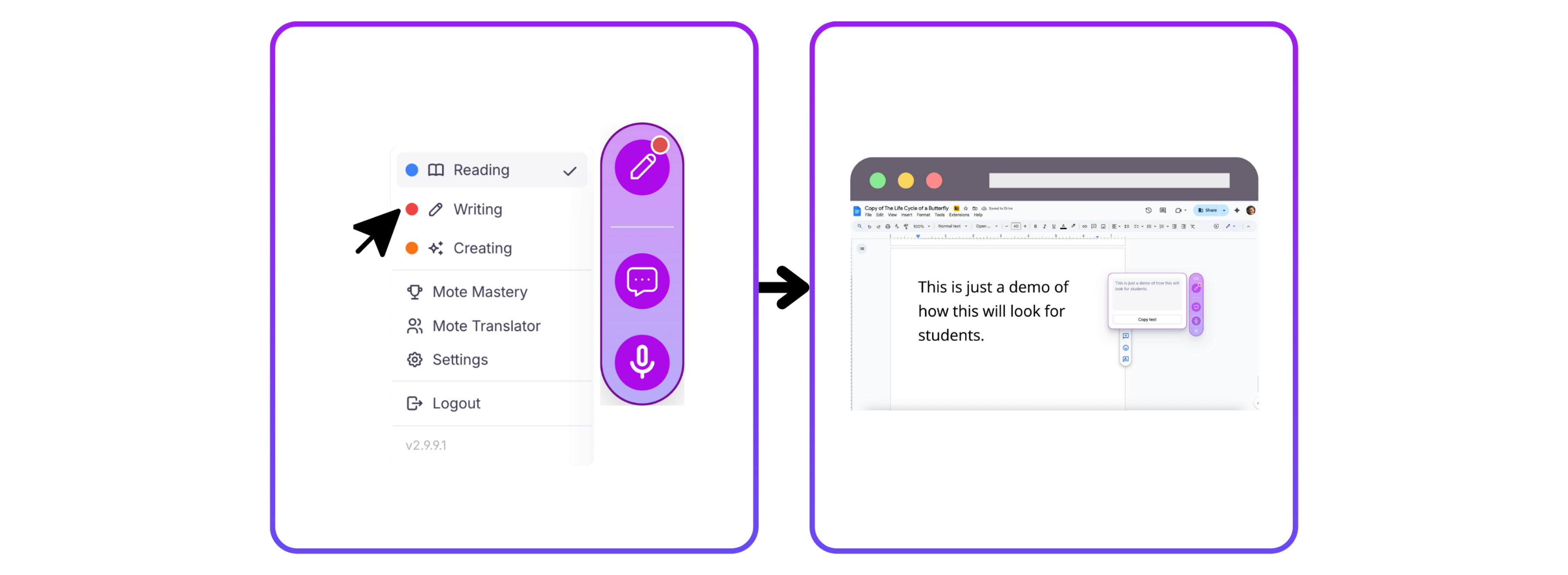
1️⃣ Step 1: Navigate to Writing Mode
Click the top icon in the Mote sidebar to open Writing Mode. You will know you are in Writing Mode when the pen icon is showing.
2️⃣ Step 2: Click the voice typing button and start talking
Now you're in writing mode, click the voice typing icon and start talking!
3️⃣ Step 3: Press the tick button to finish
Once you've finished saying everything you need to - press the tick and you're finished! Your text will automatically copy to your clipboard to paste!
Lesson 2•Course: For Students: Getting Started with Mote
Mark as complete