Mote Translator offers live translation for classrooms and schools
Select translation language:
Experience JFK's historic Moon Speech with real-time translation
Audio will play automatically
Ready to use moteTranslator in your classroom? View pricing — a paid subscription is required.
Real-time translation to 50+ languages
How speech to text translation works
Teacher starts streaming
Open translator.mote.com and click to broadcast. Select which languages to enable.
Students join with a code
Share a 6-digit code or QR. Students pick their language and start receiving.
Teach naturally
Speak as you normally would. Students see and hear translations in real-time.
Multilingual classroom tools for every teacher
Real-time translation for classrooms designed to help teachers reach every student, regardless of language background
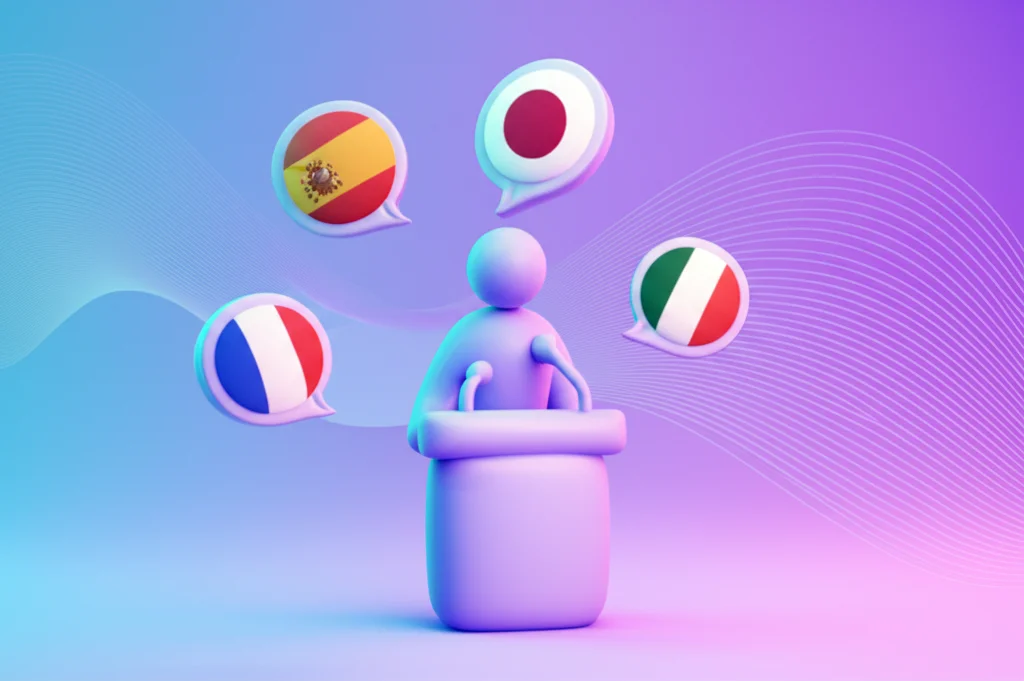
Speak Once, Translate to Many
Teachers speak naturally in their language while students receive real-time translations in their preferred language—all at once.
Everyone follows along together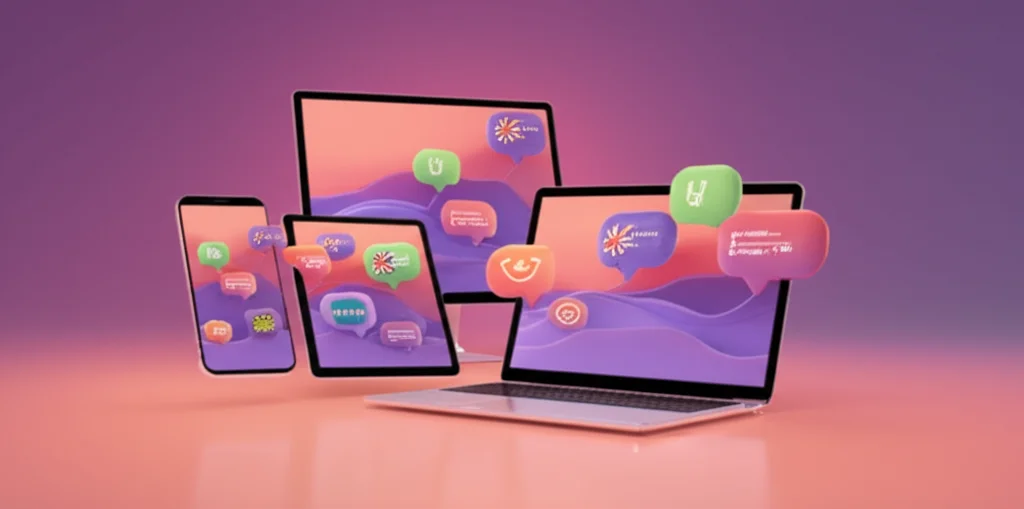
Stream From Any Device
No app downloads required. Create a live broadcast from any device with a browser and microphone—phones, tablets, laptops, or Chromebooks.
Join via code or QR
50+ Languages Supported
From Spanish and French to Arabic, Japanese, and Mandarin. Mote covers the languages your multilingual classroom needs.
RTL languages supported
Text + Audio Translation
Students can read the translation or hear it spoken aloud with natural-sounding voices. Words highlight as they're spoken for easy tracking.
Read or listen
Post-Stream Transcripts
After class ends, access the complete transcript and translations. Perfect for absent students or review.
Review anytime
Near-Real-Time Delivery
Advanced streaming technology minimizes delay between speech and translation. Students follow along naturally without disruptive lag.
Minimal latencyHow simultaneous interpretation for schools works
Curious how live translation actually works? Here's the technology behind our classroom translation software.
Mote captures and processes speech in small chunks for minimal latency:
- Audio streaming: The teacher's microphone captures audio in ~300ms segments, sent continuously to our servers
- Speech recognition: Best-in-class speech-to-text converts audio to text with high accuracy across accents and speaking styles
- Interim results: Transcription updates in real-time as the speaker continues, refining accuracy with more context
- Smart chunking: Text is segmented by natural pauses and punctuation for optimal translation quality
When you stream to a multilingual class, Mote translates to all selected languages in parallel:
- Language selection: Teachers choose which translation languages to enable when starting a stream
- Parallel processing: Each utterance is sent to translation for all languages simultaneously—not one at a time
- Independent delivery: Each student receives only their chosen language, keeping the interface clean
- Efficient distribution: Our servers manage who gets what, so 30 students in 5 languages is no problem
When students enable audio playback, Mote coordinates text and speech precisely:
- Word-level timing: The TTS engine provides timestamps for each word, allowing precise highlighting
- Smooth synchronization: Words light up exactly as they're spoken, helping students track along
- Queue management: Audio chunks are queued intelligently so new translations don't interrupt playback
- Speed adjustment: Playback speed can adapt dynamically to help students keep pace with the lesson
Real-time translation involves multiple processing steps, but Mote optimizes each one:
- Audio capture: Small ~300ms chunks minimize the wait before processing begins
- Server-Sent Events: Streaming technology pushes updates to students instantly—no polling delays
- Pipeline optimization: Transcription and translation happen in sequence but with overlap for speed
- Network resilience: Automatic reconnection and buffering handle network hiccups gracefully
Joining is simple and works on any device:
- Join codes: Teachers share a simple 6-character code (like "ABC123") that students enter to join
- QR codes: For in-person classes, students can scan a QR code displayed on the board
- Direct links: Teachers can share a URL that goes straight to the stream
- Persistent channels: Regular classes can have a permanent channel URL students bookmark
Mote is built for education with privacy at the core:
- FERPA compliant: Meets US educational privacy requirements
- COPPA compliant: Safe for students under 13
- GDPR compliant: Meets European data protection standards
- Transcript storage: Post-stream transcripts are available to the teacher but not shared externally
- No advertising: Student data is never used for ads or sold to third parties
ELL support and English Language Learners tools
Language shouldn't be a barrier to learning. Here's how real-time translation for classrooms helps English Language Learners succeed.

Bridge language barriers instantly
Multilingual classrooms don't have to mean some students are left behind. Every student can follow along in their strongest language.
No student left behind
Include every family
Parent-teacher conferences, school announcements, and community events become accessible to families who speak different languages.
Engage every parent
Scaffold language acquisition
Seeing English and their native language side by side helps English Learners build vocabulary and comprehension simultaneously.
Learn content and English
Support content mastery
Students learning English shouldn't fall behind in science, math, or social studies. Translation lets them access grade-level content now.
Grade-level access now
Create permanent resources
Post-stream transcripts become study materials. Absent students catch up. Teachers have records of what was covered.
Transcripts for everyone
No extra prep required
Teachers speak naturally—no scripts, no pre-recording, no editing. The technology adapts to how you already teach.
Fits existing workflowsReady to try this classroom translation software?
Start streaming translated lessons to your multilingual classroom today—ELL support with real-time translation for classrooms, no downloads required.