Mote is the best text to speech reader Chrome extension
Sentence and word highlights help students track along
Works with the apps students use every day






Reading support features for every learner
Dyslexia reading tools and reading support designed for students who benefit from hearing text—including those with visual impairments or learning English
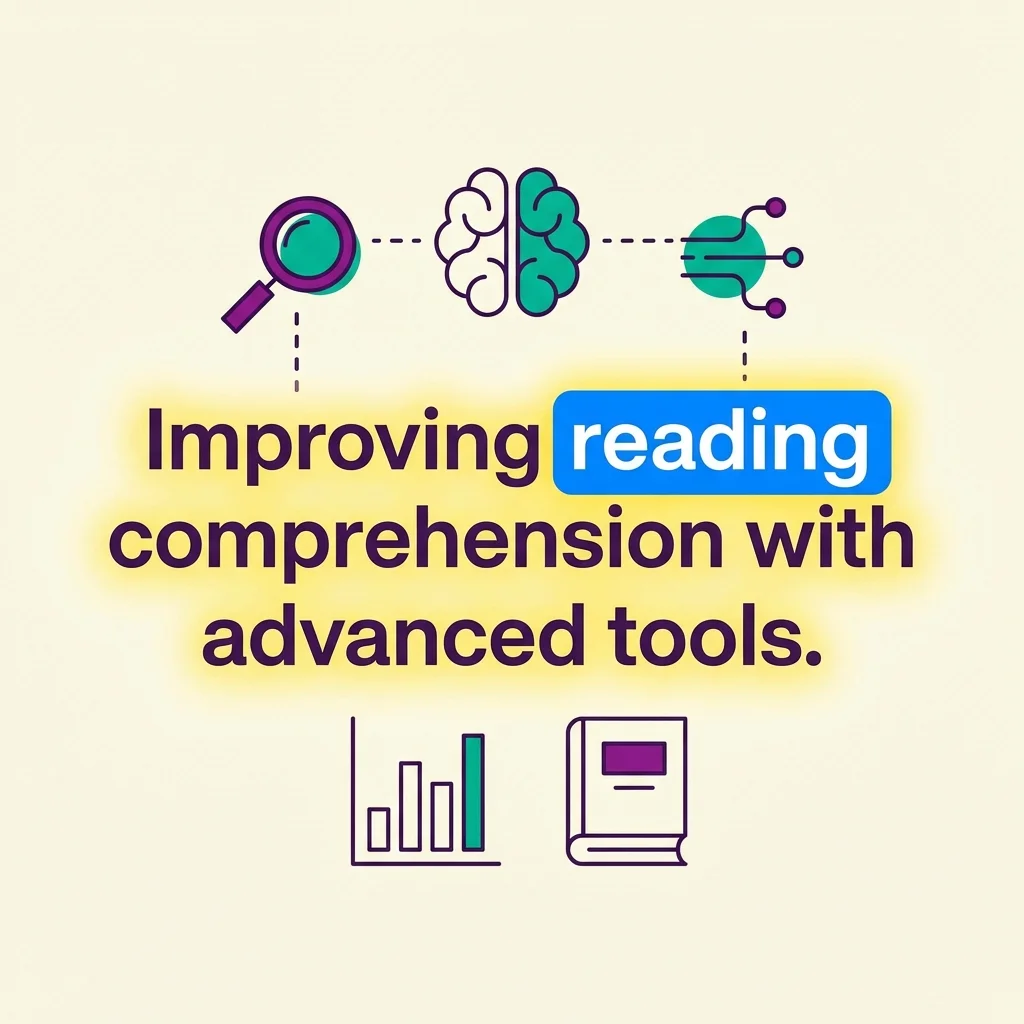
Dual-Layer Highlighting
The current sentence glows softly while each word lights up as it's spoken. Students see both the big picture and the current word at once.
Sentence + word tracking
100+ Voices in 40+ Languages
Best-in-class neural voices that sound natural, not robotic. Students can hear text in their native language or practice pronunciation in a new one.
Natural-sounding neural voices
Works Everywhere Students Read
Google Docs, Slides, and Forms. E-books on Epic and Sora. Web articles and PDFs. Mote brings Read Aloud to the content students actually use.
Docs, e-books, web, PDFs
Smart Text Recognition
When text isn't accessible in the page—like images in e-books or scanned documents—Mote's OCR reads it anyway, even in multiple languages.
Reads images and scans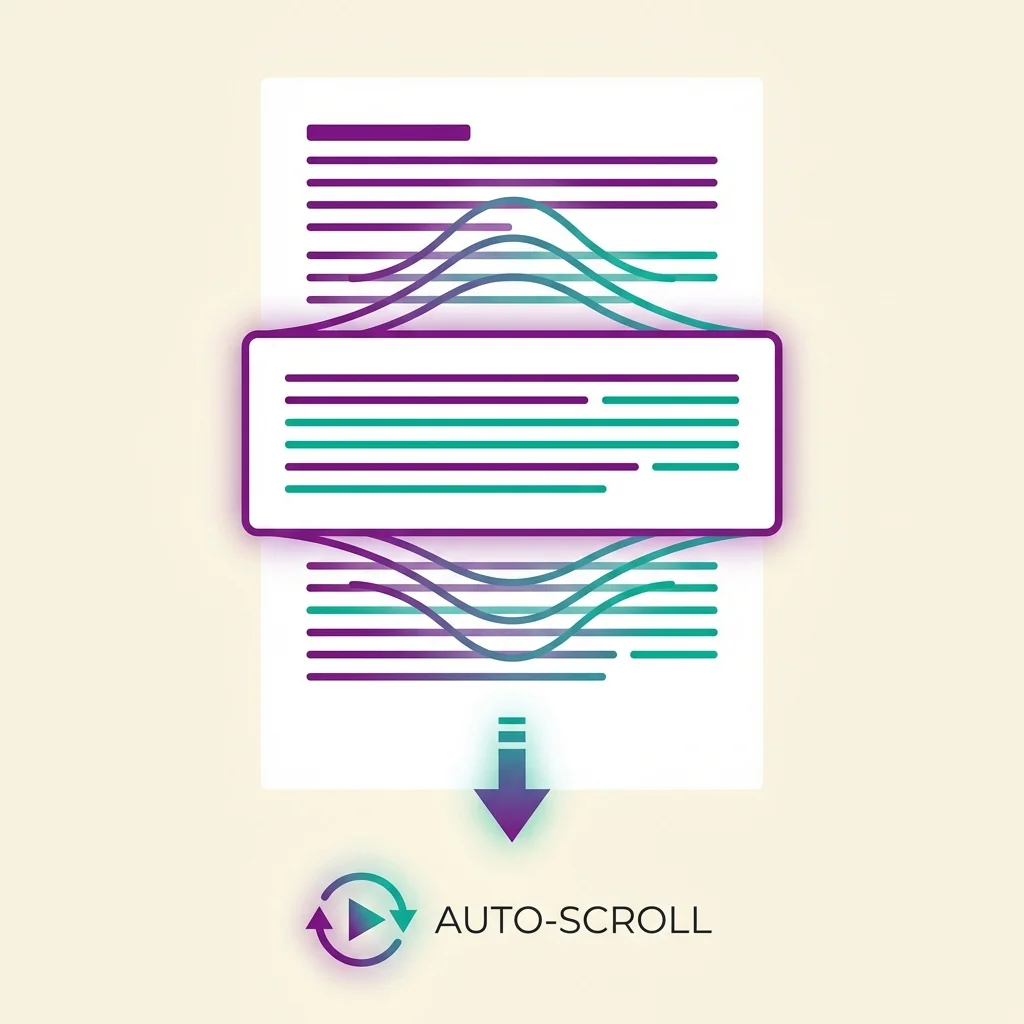
Auto-Scroll
The page automatically scrolls to keep the highlighted word visible, so students never lose their place in longer documents.
Never lose your place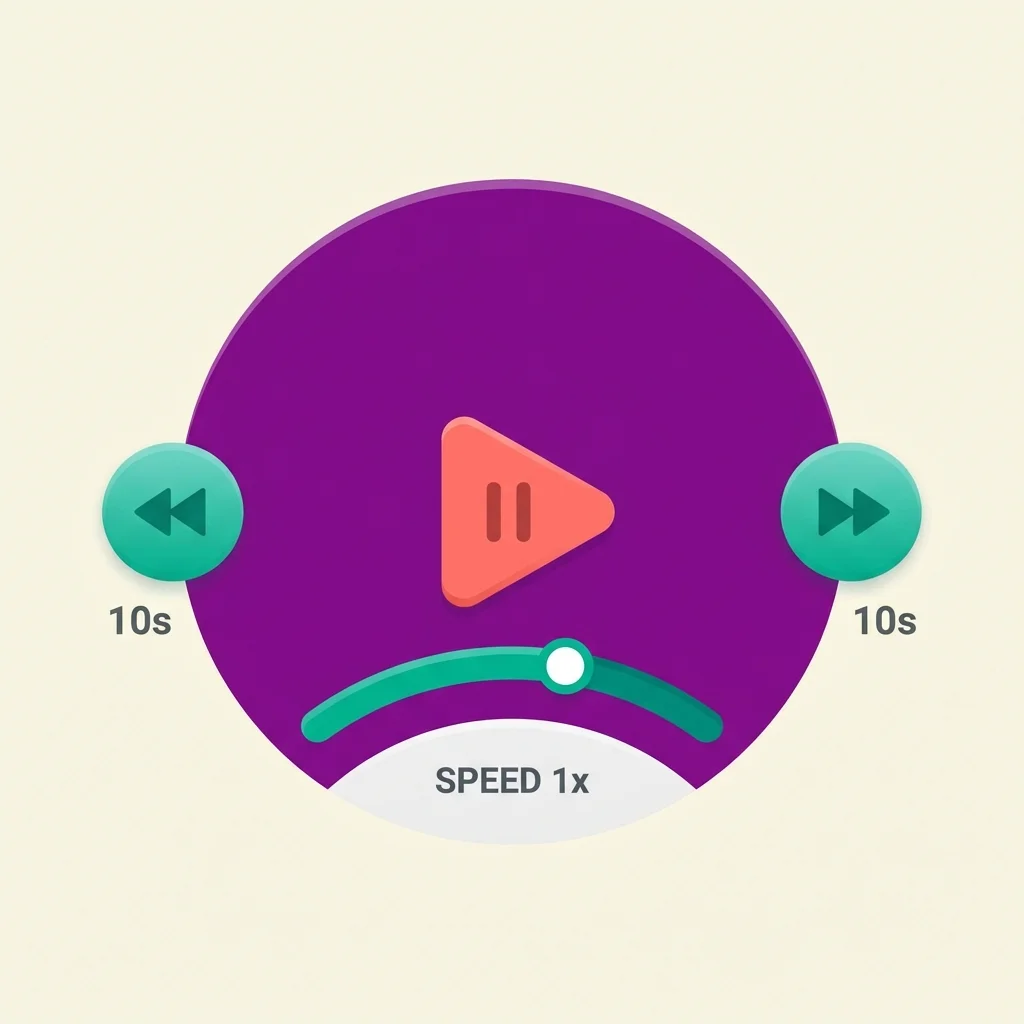
Full Playback Control
Adjust speed from 0.5x to 2x. Skip forward or back between sentences. Pause and resume anytime. Students control the pace that works for them.
0.5x to 2x speedHow text to speech and word highlighting work
Curious about the technology? Here's how Mote's Read Aloud delivers natural speech with precise word highlighting.
Mote uses best-in-class neural text-to-speech engines that produce human-like voices rather than robotic sounds:
- Neural voice technology: Modern TTS that captures natural intonation, rhythm, and expression
- 100+ voice options: Different accents, ages, and speaking styles so students can choose what works best
- Automatic fallback: If one service is unavailable, the system switches seamlessly to ensure uninterrupted playback
Mote highlights text at two levels simultaneously for easier tracking:
- Sentence highlight: A soft glow shows the current sentence or paragraph being read
- Word highlight: A brighter highlight marks the exact word being spoken
- Customizable colors: Students can choose from five highlight colors for both sentence and word levels to match their preferences
- Precise timing: Word-level timestamps keep highlights perfectly synchronized with audio
Read Aloud works in the web browser on almost any web page, including educational apps students use every day:
- Any website: Articles, online resources, and web-based content can all be read aloud directly in the browser
- Google Workspace: Docs, Slides, Forms, and Sheets—hear teacher instructions, assignment prompts, and your own writing
- E-book platforms: Epic and Sora libraries work seamlessly, even when text is rendered as images
- PDFs: For PDF files, download and save to Google Drive to access Read Aloud with full highlighting support. Learn more about reading PDFs
When text isn't directly accessible in the page DOM—like images in e-books or scanned documents—Mote uses intelligent text recognition:
- Local OCR first: Fast, on-device processing handles most English text instantly
- Server fallback: For non-English text, unusual fonts, or hard-to-read content, Mote uses server-side processing with advanced language models
- Multi-language support: The server fallback can recognize and read text in dozens of languages
Mote automatically detects the language of the text being read:
- Automatic detection: The system identifies the language and selects an appropriate voice
- Manual override: Students can choose a specific language or voice if needed
- Mixed content: Handles documents with multiple languages by detecting language at the sentence level
Mote processes text securely:
- Smart caching: Generated audio is cached for faster repeat access, but text is not stored to user profiles
- No third-party sharing: Content stays between Mote and the student
- FERPA compliant: Meets educational privacy requirements
The research behind Read Aloud for dyslexia
Text-to-speech isn't a shortcut—it's proven reading support that helps developing readers build the skills they need for independent reading

Scaffold to independent reading
Read Aloud isn't a crutch—it's a bridge. Research shows that hearing text while following along builds the skills students need to read independently.
A bridge, not a crutch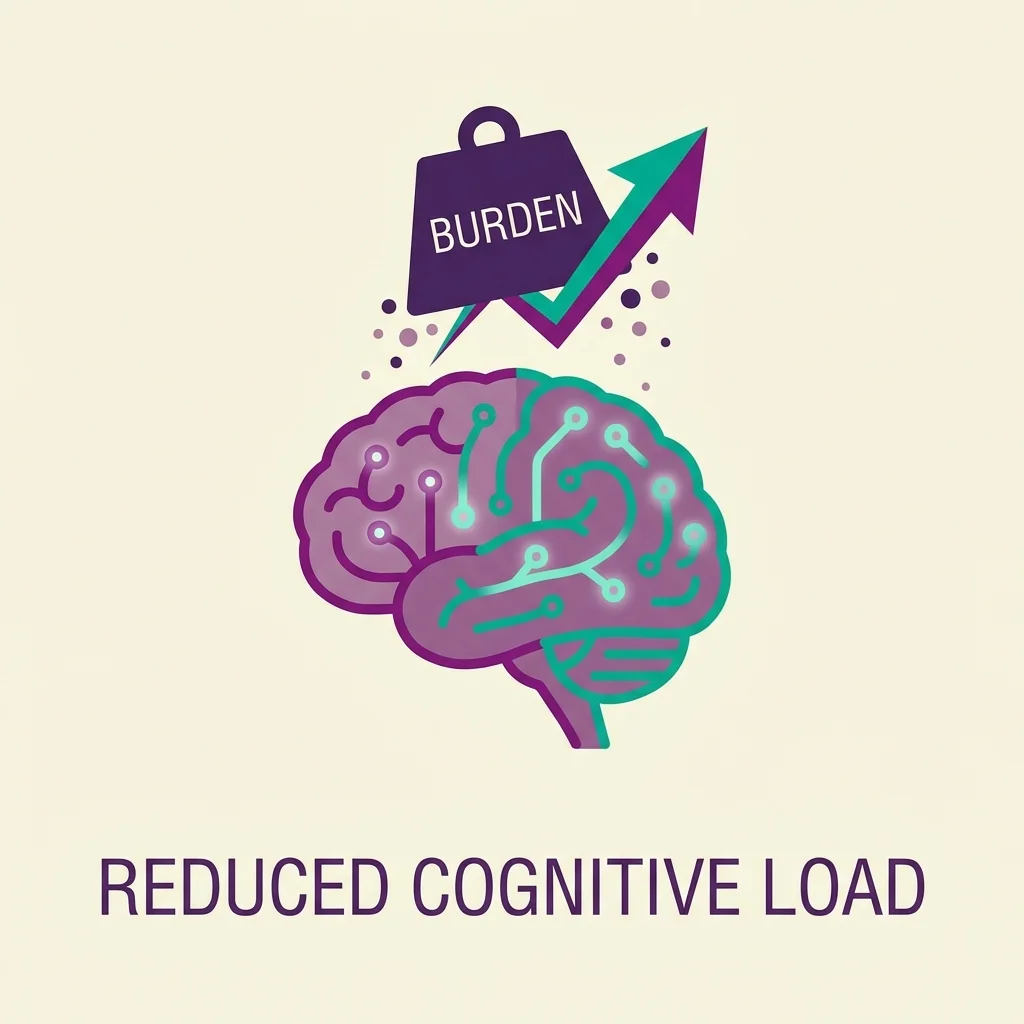
Reduce cognitive load
When students struggle to decode words, they have less mental energy for comprehension. Read Aloud handles the decoding so students can focus on meaning.
Focus on meaning, not decoding
Catch errors by ear
Hearing text aloud reveals mistakes that eyes skip over. Missing words, awkward phrasing, and grammatical errors become obvious when spoken.
Hear what eyes miss
Build fluency and prosody
Following along with natural-sounding speech helps students internalize the rhythm and expression of fluent reading.
Learn rhythm and expression
Support English Learners
Hearing correct pronunciation while seeing the text builds vocabulary and listening comprehension simultaneously.
See and hear together
Access more content
Students can engage with texts that would otherwise be too difficult to decode on their own—from assigned readings to e-books to web research.
Read more, grow fasterReady to try this text to speech Chrome extension?
Mote's read aloud extension works with Google Docs, e-books, web content, and more—dyslexia reading tools wherever students need support.