Assistive Technology for Students with Mote
Modern assistive technology that works inside Google Classroom. Mote gives every student access to text-to-speech, voice typing, and more -- no extra hardware required.
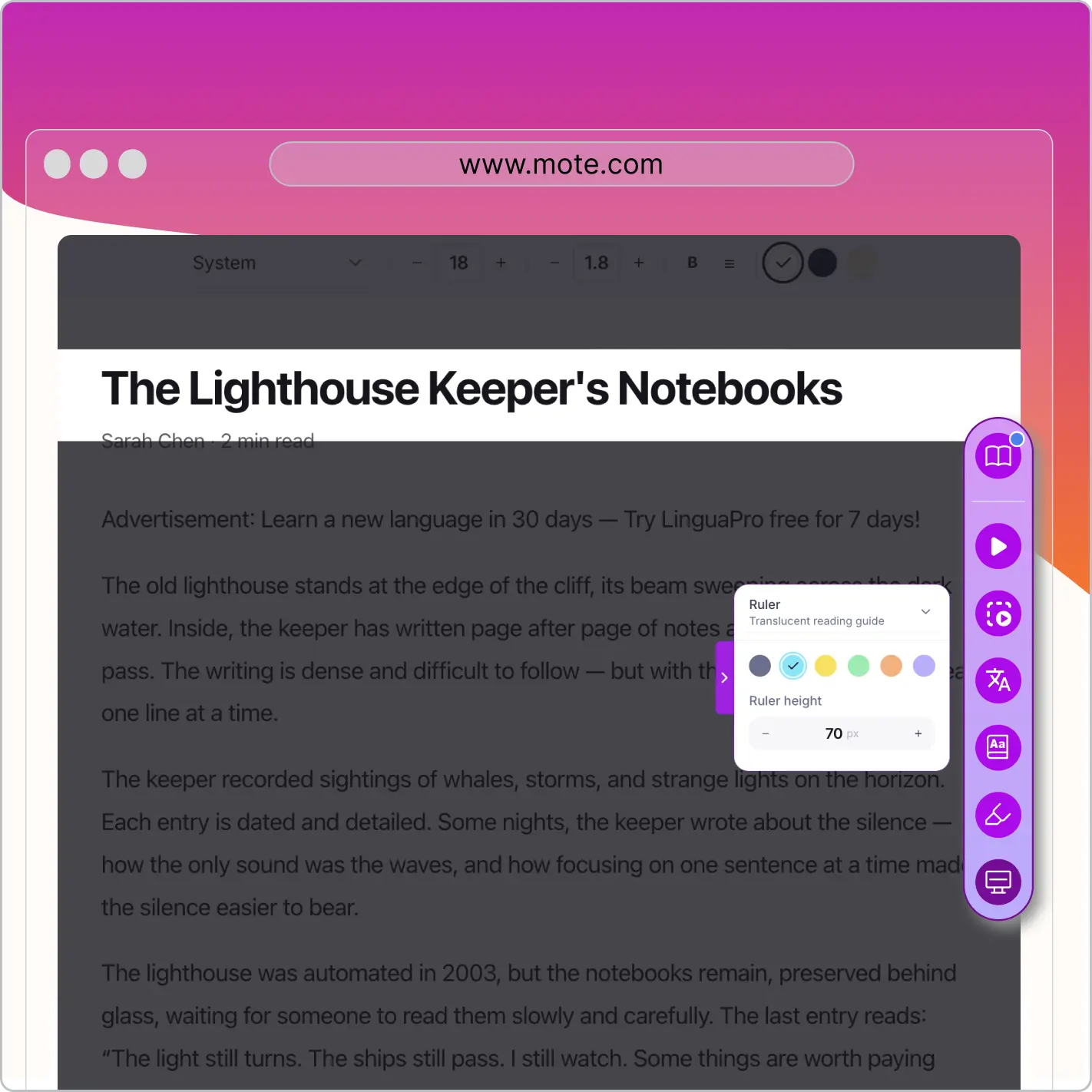



Modern assistive technology that works inside Google Classroom. Mote gives every student access to text-to-speech, voice typing, and more -- no extra hardware required.
Assistive technology for students has traditionally meant specialized hardware or expensive software installed on a single device. That model creates bottlenecks: limited availability, complex setup, and tools that feel separate from the rest of the classroom. Students who need support often have to leave their workflow, switch applications, or wait for a device to become available. For educators managing IEPs and 504 plans, tracking and deploying these tools across a school or district adds another layer of complexity.
Mote takes a different approach. As a Chrome extension that works natively inside Google Classroom and Google Workspace, Mote puts assistive technology directly into the environment where students already learn. Text-to-speech, voice typing, screen masking, text prediction, translation, and dictionary tools are all available from the browser sidebar. Students access the support they need without switching tools, and educators can deploy Mote across an entire district with full FERPA and COPPA compliance.

For students with reading disabilities, decoding text can consume so much effort that comprehension suffers. Mote's Read Aloud feature serves as assistive technology for reading by converting any on-screen text into natural-sounding audio. Students can highlight a passage and hear it read back at an adjustable speed, giving them an alternative pathway to access grade-level content independently.
Read Aloud works inside Google Docs, Slides, and Classroom assignments without requiring a separate application. It can be named as a specific AT accommodation in an IEP or 504 plan, giving educators a concrete tool to reference. For students with dyslexia, visual processing difficulties, or any reading barrier, this means consistent access to the same content as their peers.

Writing barriers affect students with motor difficulties, dysgraphia, and many learning disabilities. Mote's voice typing provides assistive technology for writing by letting students speak their ideas and see them converted to text in real time. This removes the physical act of typing or handwriting as a barrier to demonstrating knowledge, which is especially important for students whose IEPs include written expression goals.
Voice typing works natively inside Google Docs, so students can complete assignments in the same platform as everyone else. There is no separate application to learn, no recording to transfer, and no extra steps between the student's idea and the finished text. For IEP teams looking for writing accommodations, voice typing is a practical tool that students can use independently across every subject.

Mote's text prediction offers word and phrase suggestions as students type, reducing the cognitive load of spelling and sentence construction. For students with learning disabilities that affect written expression, this scaffolding means they can focus on communicating their ideas rather than getting stuck on individual words. Text prediction supports the development of writing fluency while keeping students in control of their own work.
This type of assistive technology is commonly recommended in IEPs for students who need writing support but are not yet ready for full speech-to-text tools. The suggestions appear unobtrusively alongside the cursor, and students choose whether to accept or ignore them. It bridges the gap between what a student knows and what they can produce on paper, making it a valuable addition to any assistive technology reading and writing plan.
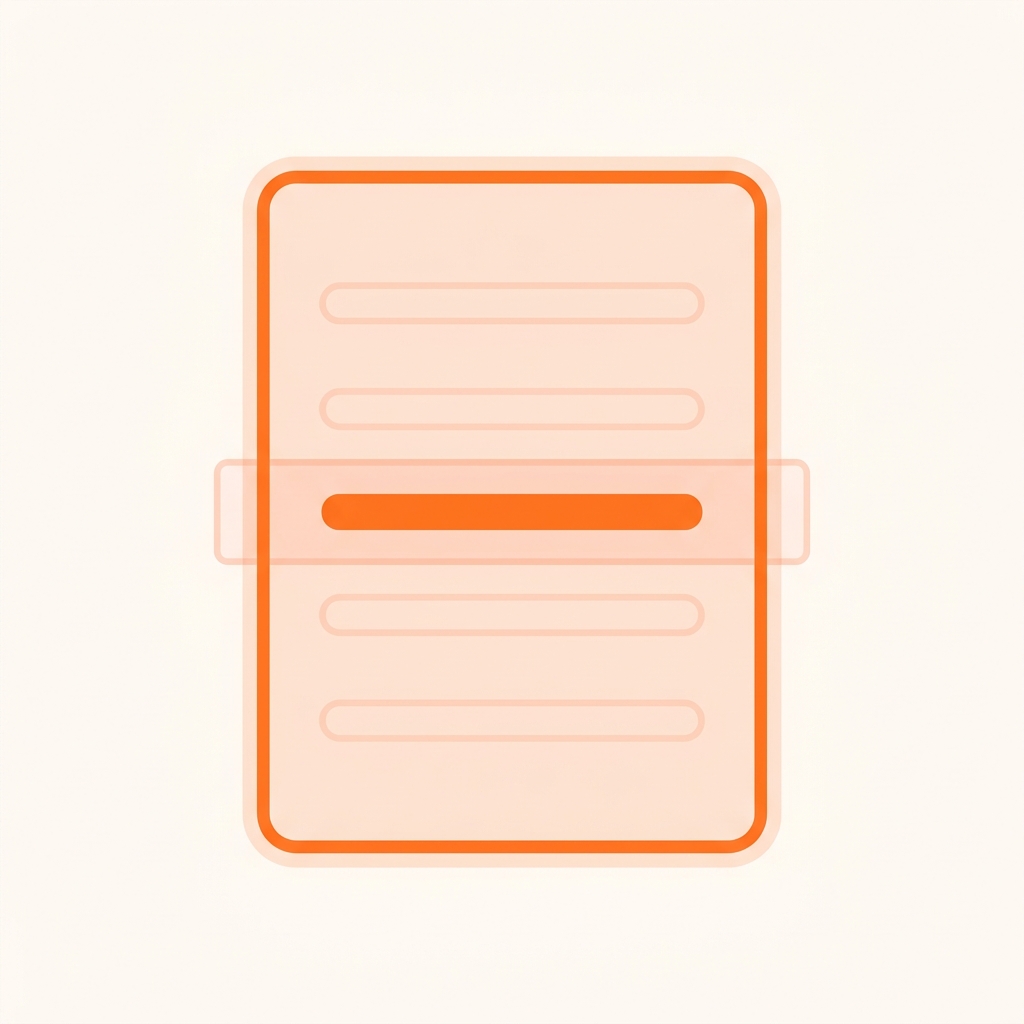
Students with ADHD, sensory processing differences, or visual stress often struggle with screens full of dense text. Mote's screen mask dims everything except the section being read, creating a focused window that reduces visual overload. The highlighter tool lets students mark key passages in color, supporting active reading and helping them track where they are in longer assignments.
These tools are especially useful as 504 plan accommodations for attention and focus. Students can activate the screen mask or highlighter themselves whenever they need it, building self-advocacy skills along the way. Unlike physical reading guides or overlays, these digital tools are always available and require no setup from the teacher, making them practical for consistent daily use across every class.

For English language learners and students with language-based disabilities, unfamiliar vocabulary can block access to content before learning even begins. Mote's sidebar translation supports over 60 languages, letting students translate selected text without leaving their assignment. The built-in dictionary provides instant definitions in context, and the vocabulary tools help students collect and practice new words through spaced repetition.
Together, these features serve as assistive technology for language access. They reduce the cognitive burden of processing unfamiliar terms and allow students to engage with grade-level material rather than simplified alternatives. For IEP teams and 504 coordinators working with multilingual students or those with language processing difficulties, these tools offer a low-barrier way to support comprehension across every subject.

Deploying assistive technology across a school or district comes with real compliance requirements. Mote is FERPA and COPPA compliant, with no student data sold or shared with third parties. It integrates with Google Admin Console for centralized deployment, so IT teams can push Mote to every Chromebook in the district without touching individual devices. This makes it straightforward to ensure every student who needs AT has consistent access.
For special education coordinators managing dozens or hundreds of IEPs, having a single tool that covers text-to-speech, voice typing, text prediction, screen masking, and more simplifies both the recommendation process and the implementation. Mote can be named as the specific AT tool in an IEP or 504 plan, with the confidence that it will be available on any school device the student uses.
Research consistently demonstrates that well-implemented assistive technology improves academic outcomes, engagement, and independence for students with disabilities. A systematic review published in Frontiers in Education (2025) examined the utility of assistive technologies for students with special educational needs and disabilities (SEND) across multiple school settings, finding that AT supports are effective when matched to individual student needs and integrated into regular classroom practice rather than used in isolation.
A comprehensive review in Educational Technology Research and Development found that assistive technology increases both inclusion and accessibility for students with disabilities, while also identifying that teacher training and awareness remain the primary barriers to effective implementation. The review noted that students who used AT showed improved academic performance, greater engagement with educational materials, and measurable psychological and social benefits including increased confidence and motivation.
At the federal level, the U.S. Government Accountability Office (2026) audited assistive technology practices across selected school districts and found that many schools struggle with AT implementation despite legal mandates under IDEA. The report highlighted that districts which formed dedicated AT teams and used tool lending libraries saw significantly better outcomes, reinforcing the importance of making AT accessible and easy to deploy across classrooms.
<p>Assistive technology in education refers to any device, software, or tool that helps students with disabilities access the curriculum and participate in learning. Under IDEA, this ranges from low-tech solutions like pencil grips to high-tech tools like text-to-speech software and speech recognition. Modern assistive technology for students often takes the form of browser-based tools that work inside platforms like Google Classroom, making support available without specialized hardware.</p>
<p>Yes. Many assistive technology tools offer free tiers for educators. Mote, for example, provides a 30-day trial that includes core accessibility features like text-to-speech, voice typing, and dictionary tools inside Google Workspace. Chrome extensions for special education are among the most accessible free AT options because they require no additional hardware and work on the Chromebooks most schools already have.</p>
An assistive technology needs assessment typically evaluates the student's abilities, the tasks they need to complete, and the barriers preventing them from doing so independently. Many districts use frameworks like the SETT (Student, Environments, Tasks, Tools) model to guide this process. The goal is to match the right tools to specific needs rather than applying a one-size-fits-all solution. Trying tools in the classroom before a formal recommendation can also help identify what works best.</p>
<p>Common reading AT includes text-to-speech tools, screen masks that reduce visual clutter, and digital highlighters. For writing, examples include speech-to-text (voice typing), word prediction, and spell-check tools. Mote provides all of these as a single Chrome extension inside Google Workspace, so students do not need multiple separate tools. An assistive technology needs assessment can help determine which combination works best for each student.</p>
<p>Yes. Under IDEA, IEP teams are required to consider assistive technology devices and services for every student with an IEP during each annual review. If the team determines a student needs AT to receive a free appropriate public education (FAPE), the school district must provide it at no cost to the family. Tools like Mote can be written into an IEP as a named assistive technology accommodation for reading, writing, or communication support.</p>
<p>Parents or educators can request an assistive technology evaluation as part of the 504 plan process. Start by writing to the school's 504 coordinator and describing the specific barriers the student faces. The 504 team will then evaluate whether AT is needed as a reasonable accommodation. Unlike IDEA, Section 504 does not require a formal AT assessment, but schools must still consider technology as part of the accommodation plan.</p>
<p>No. Assistive technology levels the playing field rather than tilting it. AT allows students with disabilities to access the same instructional opportunities as their peers by removing barriers that would otherwise prevent participation. Research shows that students who use AT after repeated academic struggles actually regain motivation and confidence. The goal is equitable access, not an advantage.</p>
<p>Accommodations are changes to how a student accesses or demonstrates learning, such as extended time or preferential seating. Assistive technology is a specific type of accommodation that involves a device or software tool. For example, text-to-speech is an assistive technology that serves as a reading accommodation. AT is one way to deliver accommodations outlined in a student's IEP or 504 plan.</p>
Last updated on
March 18, 2026
