


Assistive Technology in an IEP: A Guide for Teams
Assistive technology in an IEP is any device or service that helps a student with a disability access learning. Learn what IDEA requires and how teams choose tools.




Assistive technology in an IEP is any device, software, or service that helps a student with a disability access learning and make progress on their goals. Under federal law, assistive technology is something every IEP team must consider. This guide explains what assistive technology in an IEP means, how the law treats it, the types available, and how teams decide what a student needs.
What Is Assistive Technology in an IEP?
Assistive technology in an IEP is any tool or support that increases, maintains, or improves how a student with a disability functions at school. The Individuals with Disabilities Education Act (IDEA) requires every IEP team to consider whether the student needs assistive technology, and any agreed supports become part of the IEP.
Assistive technology is one piece of the broader support landscape covered on our assistive technology for students overview.
AT Devices vs AT Services
IDEA covers two related things. An assistive technology device is the tool itself, such as a text-to-speech app, word prediction, or a communication board. An assistive technology service is the help a student needs to use it, including evaluation, setup, and training.
Both matter: a device without training often goes unused, so a strong IEP names the tool and the support around it.
Types of Assistive Technology
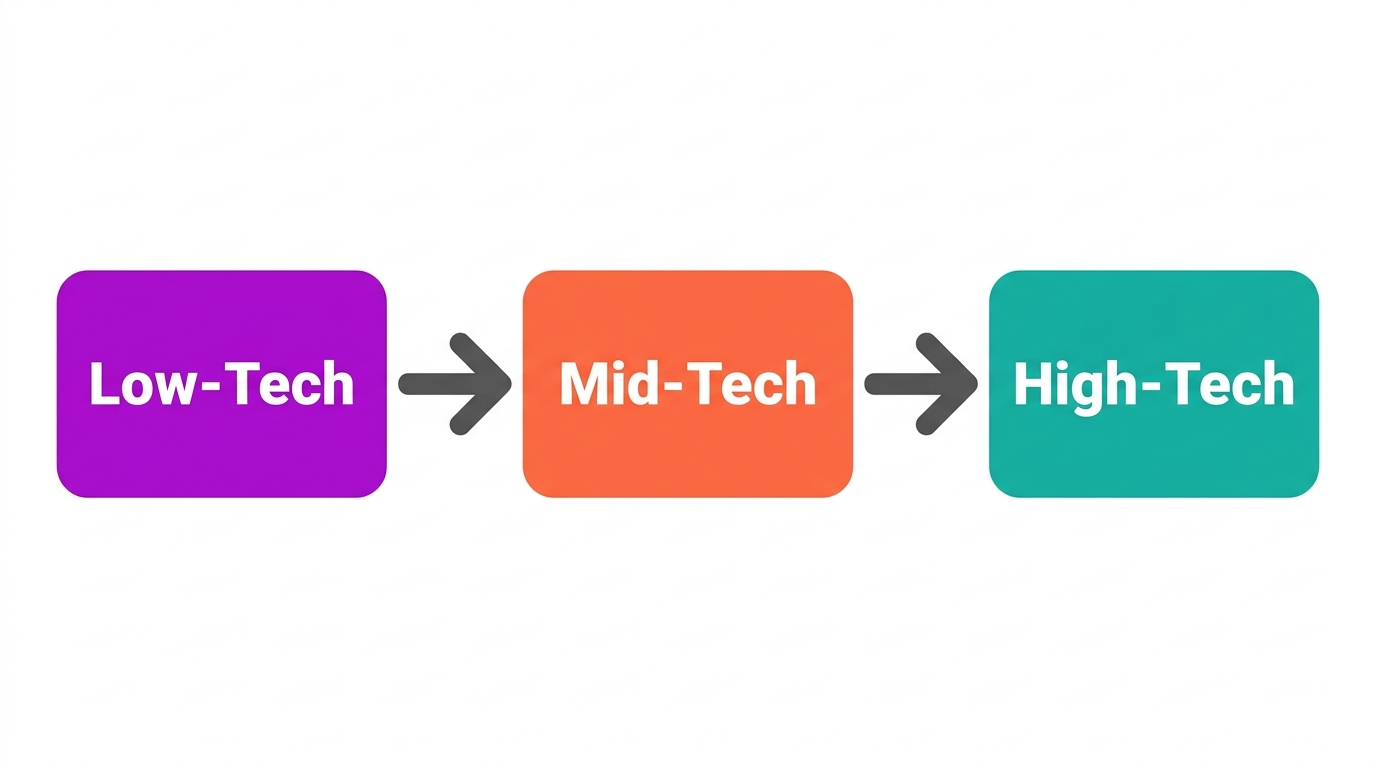
Assistive technology is often grouped by complexity, from low-tech to high-tech:
- Low-tech: simple, no batteries, such as pencil grips, highlighters, and visual schedules.
- Mid-tech: simple electronics, such as audiobooks, timers, and talking calculators.
- High-tech: software and devices, such as text-to-speech, speech-to-text, and communication devices.
Higher tech is not automatically better. The goal is the lightest tool that lets the student do the task independently.
How Teams Decide: The SETT Framework
Many teams use the SETT framework to consider assistive technology systematically. SETT stands for Student, Environment, Tasks, and Tools: look at the student needs, the environments they work in, the tasks they must do, and only then the tools that fit. Starting with the student rather than the device keeps the decision grounded in real needs. The CAST approach to accessible learning reflects the same student-first logic.
How Mote Supports AT Goals in an IEP
Mote provides several supports that often appear in IEPs, delivered through one Chrome extension that works across Google Workspace. Read Aloud (text-to-speech) supports reading access, speech-to-text lowers the writing barrier, and the built-in dictionary supports vocabulary. Because it runs on the Chromebooks and Google tools many schools already use, Mote can make IEP-driven supports available on every device without extra hardware.
The Bottom Line
Assistive technology in an IEP is not optional to consider: IDEA requires it. Think in terms of devices and the services that support them, start with the student rather than the gadget, and choose the lightest tool that builds independence. For schools on Google Workspace, Mote can deliver common reading and writing supports across every device.



.png)
