


Assistive Technology for Reading and Writing: A Guide
Assistive technology for reading and writing removes barriers so students can access text and express ideas. Learn the common tools and how to choose them.




Assistive technology for reading and writing is any tool that helps a student access text or express their ideas in writing. From text-to-speech to speech-to-text, these supports remove barriers so students can engage with grade-level work. This guide explains what reading and writing assistive technology is, why supporting both matters, the most common tools, and how to choose them.
What Is Assistive Technology for Reading and Writing?
Assistive technology for reading and writing is any device or software that increases a student access to text or their ability to produce it. The Individuals with Disabilities Education Act defines assistive technology broadly, and reading and writing supports are among the most common kinds used in schools.
These tools are part of the wider support landscape covered on our assistive technology for students overview.
Reading and Writing Develop Together
Reading and writing are deeply connected, so supporting one often supports the other. A student who can access text through text-to-speech encounters more vocabulary and sentence structures, which feeds their writing. A student who can capture ideas through speech-to-text stays focused on meaning rather than mechanics.
Because the two reinforce each other, the strongest support plans address reading and writing side by side rather than in isolation.
Common Reading and Writing AT Tools
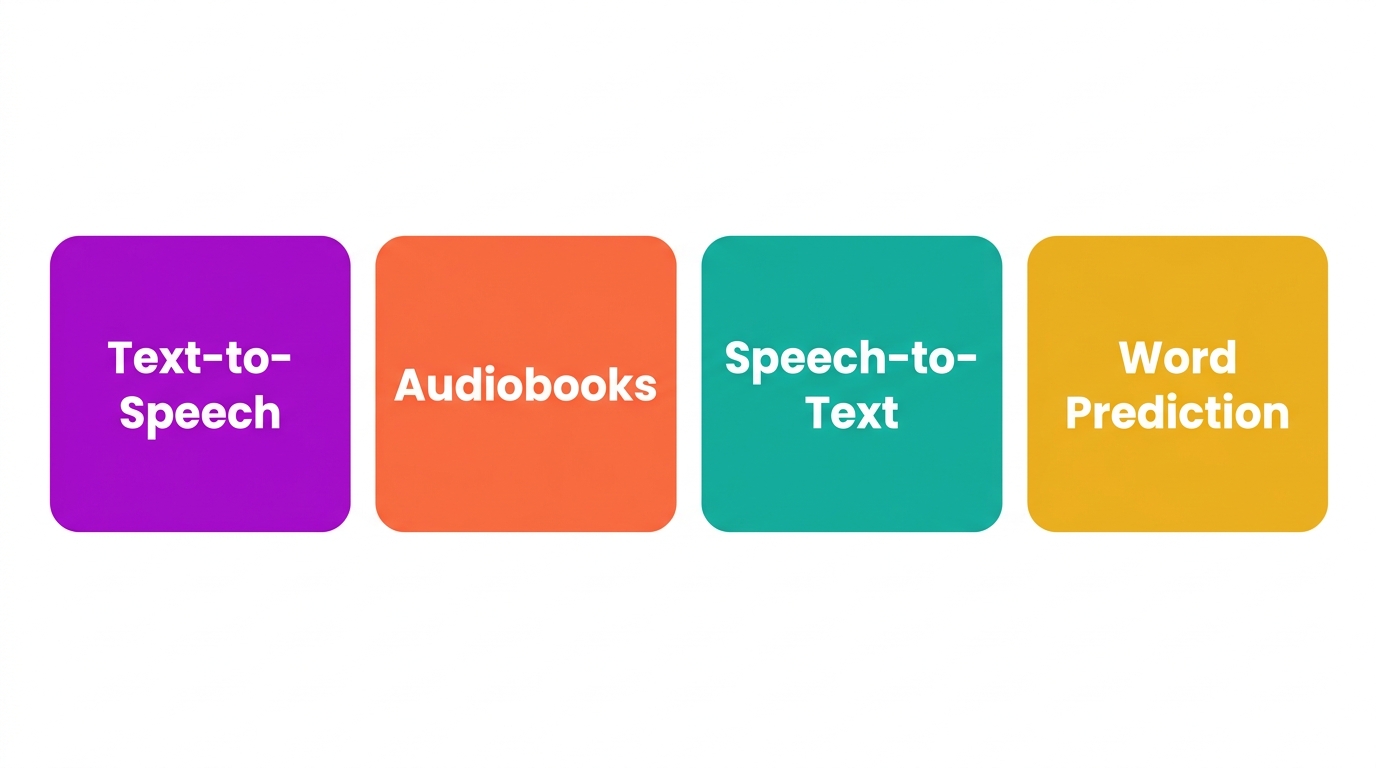
A handful of tools cover most reading and writing needs:
- Text-to-speech: reads digital text aloud to support reading access.
- Audiobooks: provide an alternative to printed text for longer reading.
- Speech-to-text: turns spoken words into writing, lowering the encoding barrier.
- Word prediction: suggests words to reduce spelling and typing load.
A digital dictionary rounds these out by giving quick access to word meaning while reading or writing.
Accommodation, Not a Shortcut
A common worry is that these tools are a shortcut. They are not. Assistive technology removes a barrier so a student can show what they know, without lowering what is expected of them. The National Center on Accessible Educational Materials frames accessible materials as a matter of equal access, not reduced rigor.
How Mote Supports Reading and Writing
Mote brings reading and writing supports together in one Chrome extension that works across Google Workspace. Read Aloud provides text-to-speech for reading access, speech-to-text lowers the writing barrier, and the built-in dictionary supports word meaning in both. Because it runs on the Chromebooks and Google tools many schools already use, students get consistent support across every class and device.
The Bottom Line
Assistive technology for reading and writing removes barriers so students can access text and express ideas. Support both together, choose the lightest tools that build independence, and treat them as accommodations rather than shortcuts. For Google Workspace schools, Mote delivers core reading and writing supports in one place.



.png)
