


Free Assistive Technology Tools for Students
Free assistive technology tools support reading, writing, focus, and organization at no cost. Learn the categories, where to find them, and free vs paid tradeoffs.




Free assistive technology tools are no-cost supports that help students with disabilities access reading, writing, focus, and organization. From the text-to-speech built into every Chromebook to free browser extensions, there is a lot available without a budget. This guide explains what free assistive technology is, the main categories, where to find it, and how free tools compare to paid plans.
What Counts as Free Assistive Technology?
Free assistive technology is any no-cost device feature, app, or extension that helps a student access learning. It includes tools built into the devices schools already own, free browser extensions, and free tiers of paid products. The Job Accommodation Network, a federally funded service, notes that many effective accommodations cost little or nothing.
These tools are part of the wider support landscape covered on our assistive technology for students overview.
Free AT by Category
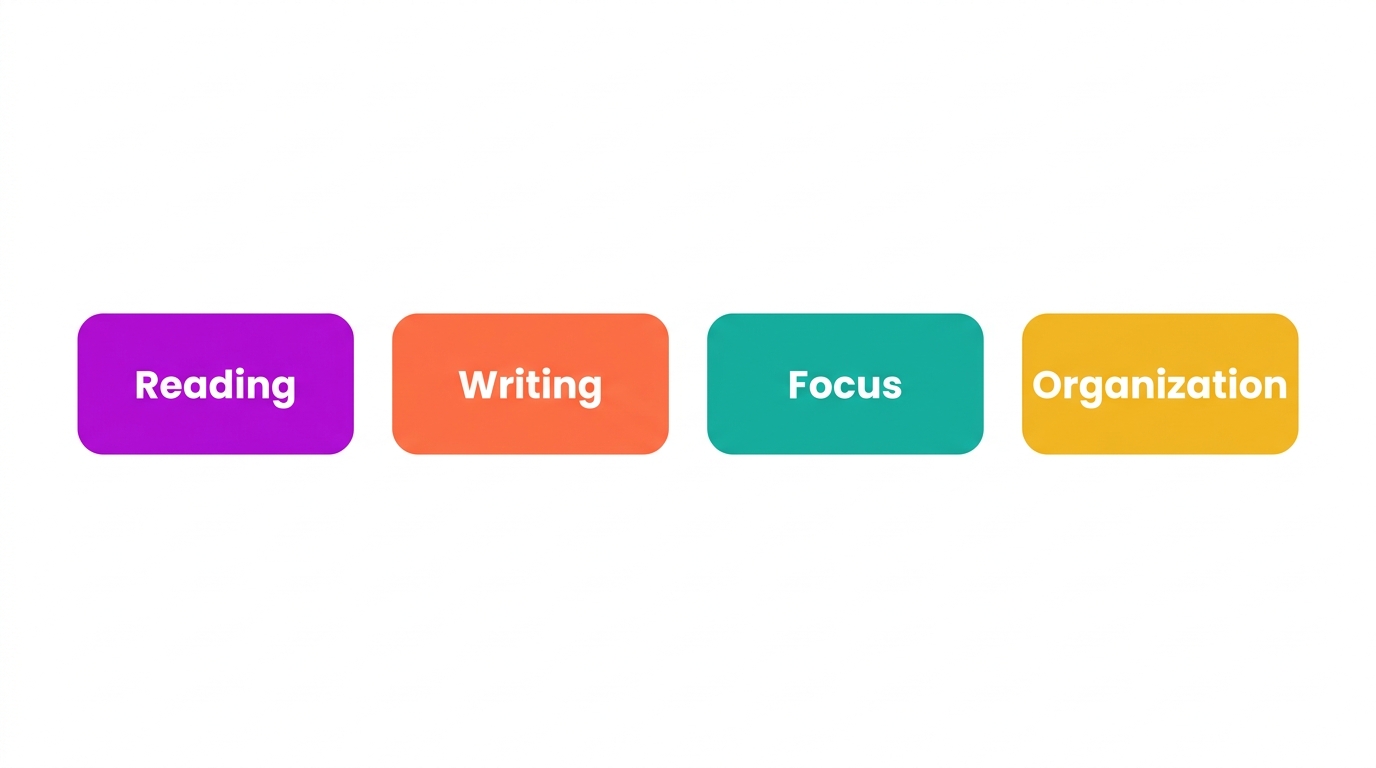
Free assistive technology generally falls into four categories:
- Reading: text-to-speech, audiobooks, and digital dictionaries.
- Writing: speech-to-text, word prediction, and spell check.
- Focus: screen masks, reading rulers, and distraction-reduced views.
- Organization: free calendars, reminders, and note tools.
Most students benefit from a small set across categories rather than one tool alone.
Where to Find Free AT
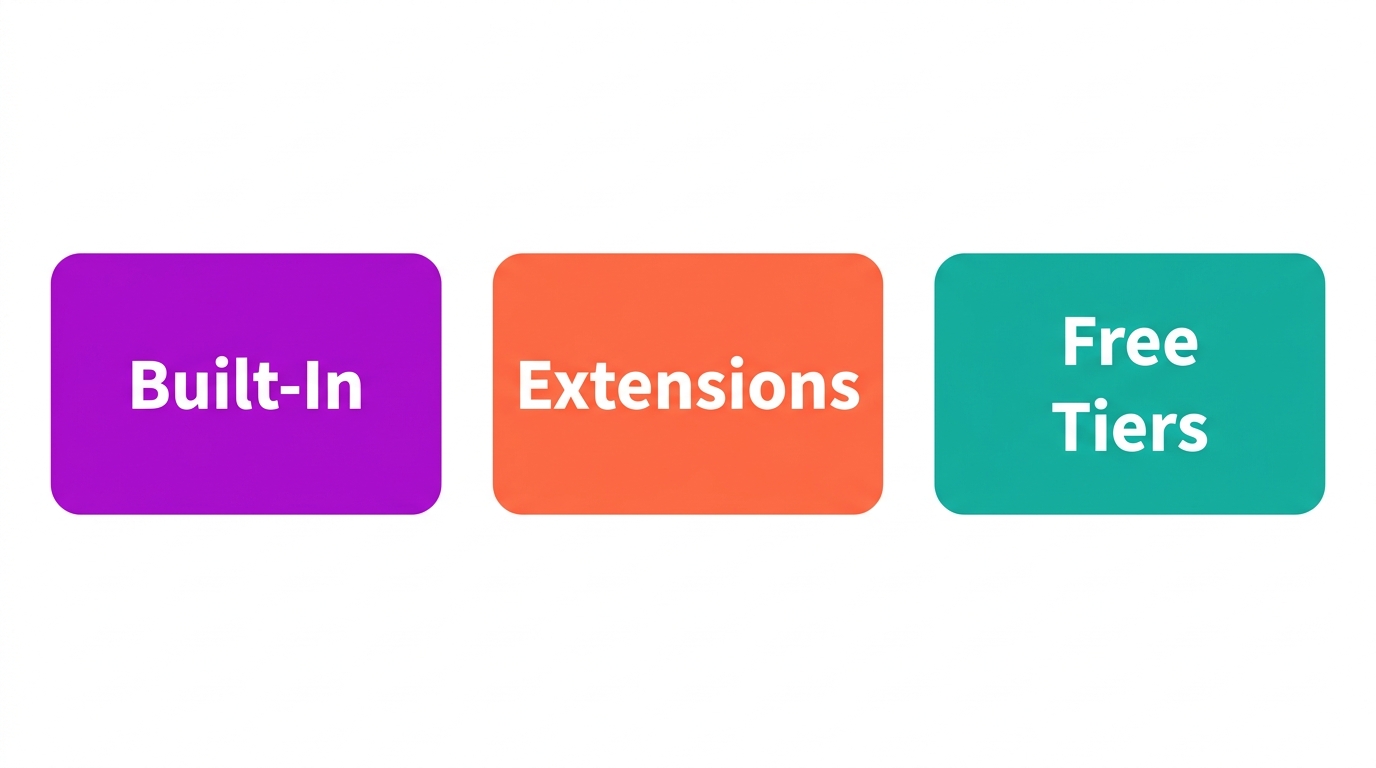
Free assistive technology comes from three main places. Built-in tools ship with devices, such as Chromebook Select-to-speak and dictation. Browser extensions add reading and writing supports to Chrome. Free tiers of paid apps offer core features at no cost. The National Center on Accessible Educational Materials is a useful place to start when matching tools to needs.
Free vs Paid: What to Know
Free tools are a strong starting point and meet many needs, but they have limits at the school level. Paid plans typically add central management, admin and privacy controls, more natural voices, and classroom features. The honest approach is to start free, see what students rely on, and upgrade where management and compliance matter.
How Mote Fits
Mote brings read-aloud, translation, highlighter, screen mask, dictionary, and writing support together in one Chrome extension built for Google Workspace. Educators can take a 30-day free trial of the full Sidebar, and students invited to a teacher's class get a 90-day trial. After the trial, schools continue on a school or district plan that adds central management, admin controls, and district compliance on top of the same tools.
The Bottom Line
You do not need a big budget to support students. Free assistive technology covers reading, writing, focus, and organization, much of it already built into school devices. Start with built-in tools and free options, then upgrade where central management and compliance matter. A Mote trial is a simple way to see whether the Sidebar fits before committing to a school plan.


.png)
