


Assistive Technology for Learning Disabilities: A Guide
Assistive technology for learning disabilities removes the barrier a disability creates. Learn how to match tools to dyslexia, dysgraphia, and dyscalculia.




Assistive technology for learning disabilities is any tool that helps a student with a learning disability access learning and show what they know. Because learning disabilities affect specific skills like reading, writing, or math, the right assistive technology is matched to the barrier. This guide explains what learning disabilities are, how assistive technology helps, and how to match tools to needs.
What Are Learning Disabilities?
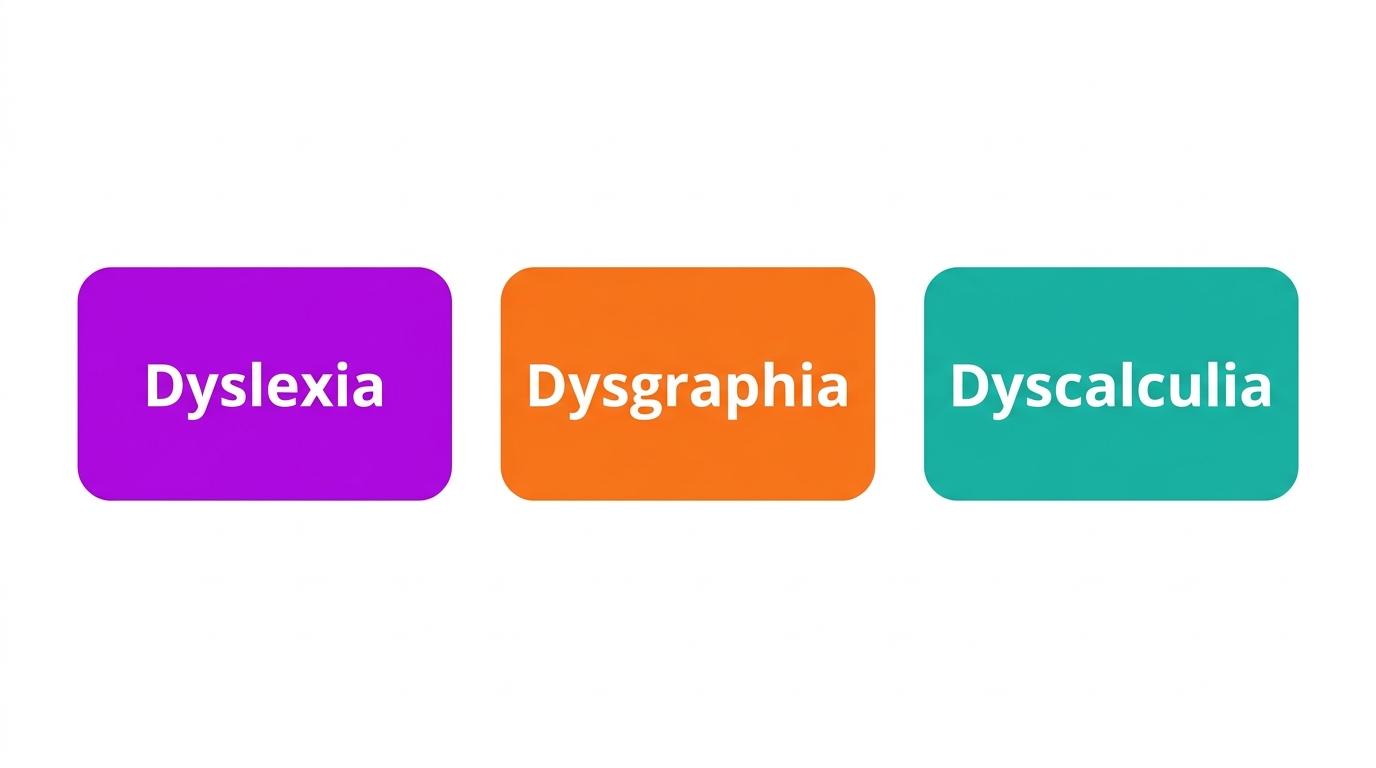
Learning disabilities are neurological differences that affect how a student takes in, processes, or expresses information, despite typical intelligence. The most common specific learning disabilities are dyslexia (reading), dysgraphia (writing), and dyscalculia (math). The Learning Disabilities Association of America notes they are lifelong but highly responsive to the right support.
Assistive technology is part of the wider support landscape covered on our assistive technology for students overview.
How Assistive Technology Helps Learning Disabilities
Assistive technology helps by removing the specific barrier a learning disability creates, so a student can access content and express ideas at their true level. It does not change what a student is expected to learn; it changes how they get there.
Because each learning disability affects a different skill, the most useful starting point is to match the tool to the disability.
Matching AT to the Learning Disability
A few reliable pairings cover most needs:
- Dyslexia: text-to-speech and audiobooks for reading access. See our dyslexia overview for more.
- Dysgraphia: speech-to-text and word prediction to ease writing.
- Dyscalculia: talking calculators, graphic organizers, and visual math supports.
Many students have overlapping needs, so a small toolkit across reading and writing is common.
Access, Not Ability
A learning disability is not a measure of intelligence, and assistive technology is not a crutch. The Individuals with Disabilities Education Act treats assistive technology as a way to ensure access, and IEP teams are required to consider it. The goal is to let students show what they truly know.
How Mote Supports Students with Learning Disabilities
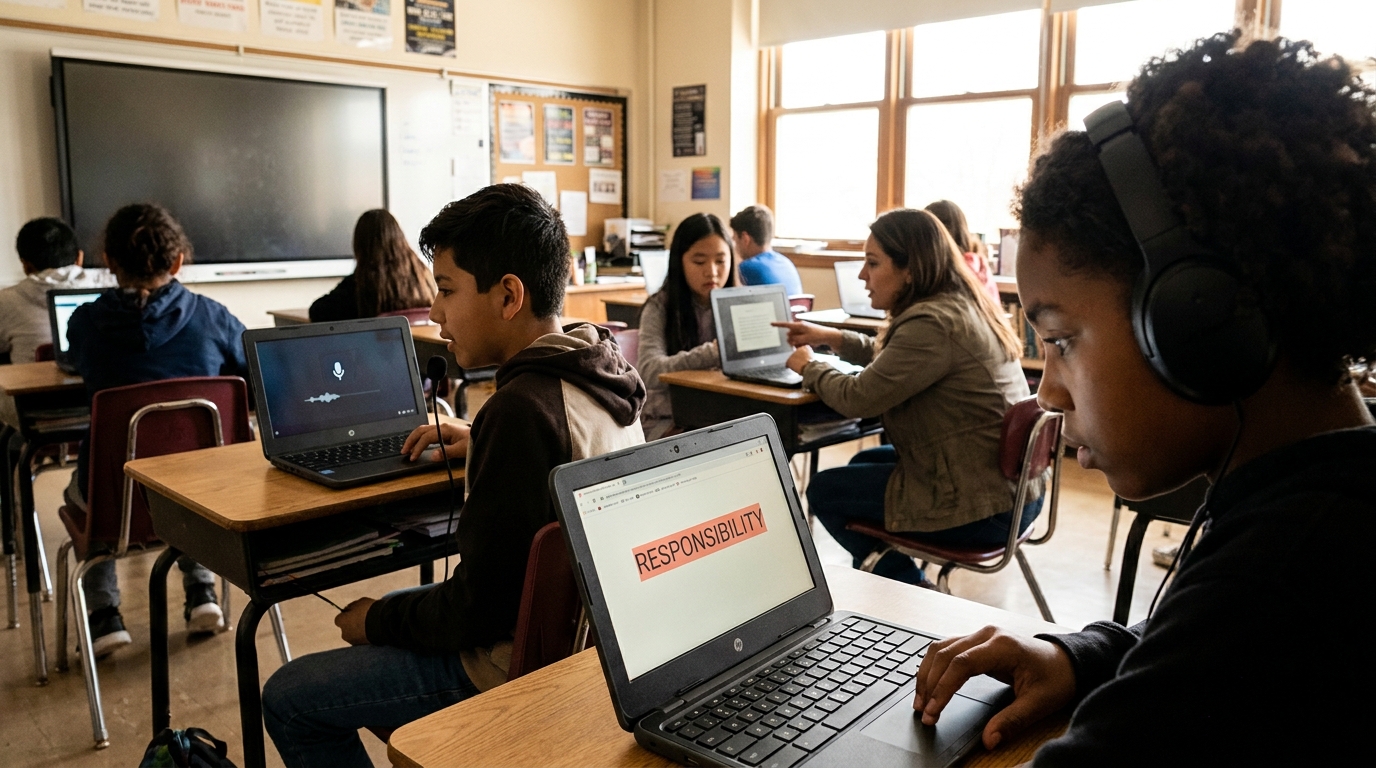
Mote brings core supports for learning disabilities into one Chrome extension that works across Google Workspace. Read Aloud provides text-to-speech for students with dyslexia, speech-to-text helps students with dysgraphia capture ideas, and the dictionary supports vocabulary. Because it runs on the Chromebooks and Google tools schools already use, support stays consistent across every class.
The Bottom Line
Assistive technology for learning disabilities works best when it is matched to the barrier: text-to-speech for reading, speech-to-text for writing, and visual supports for math. Treat it as access, not a shortcut, and pair it with strong instruction. For Google Workspace schools, Mote delivers core reading and writing supports in one place.



.png)
