UDL Tools for Students: The Complete Guide for K-12 Schools
The essential UDL tools every K-12 student needs - mapped to the three UDL principles and compared against alternatives.
Find out more about
UDL
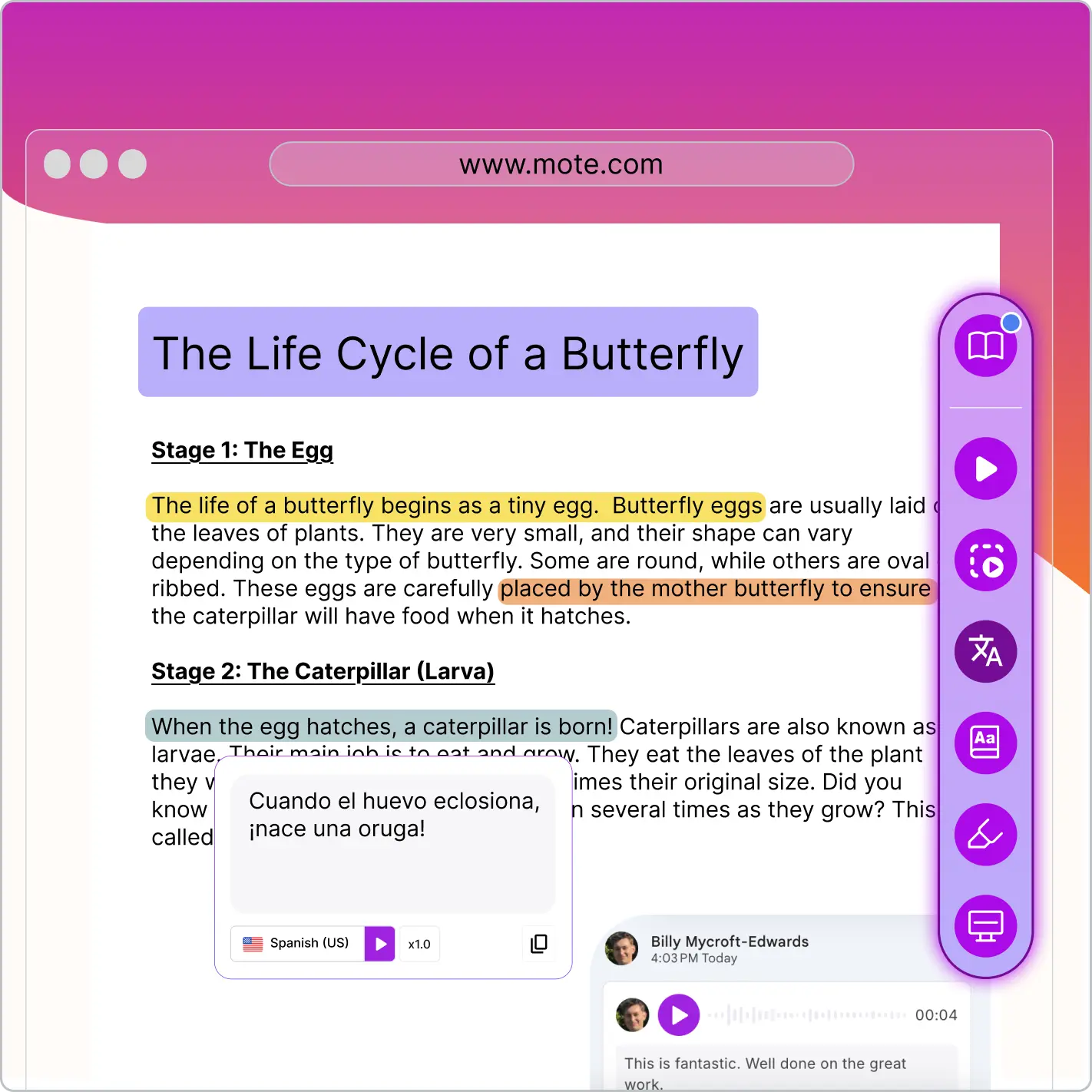



The essential UDL tools every K-12 student needs - mapped to the three UDL principles and compared against alternatives.
May 12, 2026
Universal Design for Learning (UDL) gives teachers a framework for designing flexible lessons - but it only works if the right tools are available in every classroom. UDL tools for students put the three principles (engagement, representation, action and expression) directly into student hands: text-to-speech for representation, speech-to-text and voice notes for action and expression, and choice-based features for engagement. This page covers the UDL tools every K-12 student needs, how they map to the three UDL principles, and what to look for when choosing one for your school.
The right UDL tools reduce reliance on individual accommodations and make the universal level of MTSS actually universal. For the full framework, see our guide to Universal Design for Learning.

The single most important UDL tool. Read Aloud gives every student the option to listen to written content alongside reading it - supporting students with dyslexia, English learners, and anyone who processes audio better than text. Look for natural AI voices, multi-language support, and one-click activation directly in Google Workspace.

The flagship action-and-expression tool. Lets students dictate writing or record voice responses when written output is the barrier - not the goal. Critical for students with dysgraphia, motor difficulties, or who simply think faster than they type.

UDL representation tools that matter most for English learners and multilingual classrooms. Translation should work inline (no copy/paste), support 60+ languages, and include a vocabulary dictionary at the word level for academic language support.

Engagement and focus tools. A screen mask reduces visual noise on cluttered pages, helping students with ADHD, low vision, or reading difficulties stay on the line. Highlighter tools let students mark up reading without needing a printed copy.

Engagement is the principle most schools underinvest in. Templates that present multiple response formats - written, voice-recorded, diagram - make choice an everyday feature of lesson design instead of a special activity.

Not technically a UDL principle - but in 2026, a non-negotiable. Any UDL tool for students must be FERPA-compliant, COPPA-compliant, and ideally a Google for Education Partner. Compliance failures are how UDL rollouts get killed mid-year.
List the tools students already have access to. Note which UDL principle each tool supports - engagement, representation, or action and expression. Many schools find they have strong representation tools but weak action and expression.
Match your current toolset against the three UDL principles. The most common gap is action and expression - speech-to-text and voice response tools.
Prefer one tool that covers multiple UDL principles over six separate single-purpose apps. Fewer logins, less training, faster classroom adoption.
Confirm FERPA, COPPA, and any state-specific requirements. Verify the tool works natively inside Google Workspace (or your school's chosen platform).
Pilot with one grade or department for 4-6 weeks. Capture which tools students used most and which UDL principles got reinforced.
Roll out school-wide with targeted PD focused on UDL principles, not just tool features. Tools without UDL planning produce minimal change.
Schools comparing UDL tools for students typically evaluate Mote alongside Read&Write by TextHelp, Snap&Read, and Speechify. Each covers some of the three UDL principles but with different breadth, pricing, and Google Workspace integration. Here is how they compare at a glance.
Mote is the strongest fit for schools looking for a single UDL-aligned tool that covers all three principles natively inside Google Workspace, with FERPA and COPPA compliance built in. Read&Write is a solid alternative for schools heavily invested in TextHelp's wider ecosystem. Snap&Read is strong on representation but lighter on action and expression. Speechify is consumer-grade and not designed for K-12 compliance requirements. For most K-12 schools applying UDL at scale, Mote provides the broadest coverage of the three principles in one tool.
A UDL tool for students is any technology that helps deliver one or more of the three UDL principles - engagement, representation, or action and expression. The most common UDL tools are text-to-speech, speech-to-text, multilingual translation, dictionaries, and choice-based response templates.
The best UDL tools for K-12 students cover all three principles in one place: text-to-speech for representation, speech-to-text and voice notes for action and expression, and choice-based templates for engagement. Mote bundles these into one Chrome extension built for Google Workspace.
Yes. Google Workspace itself includes some baseline UDL features (text-to-speech via Chrome accessibility, voice typing in Docs). For schools that need broader coverage of all three UDL principles with compliance built in, paid tools like Mote provide a more complete solution.
In US K-12, UDL tools should meet FERPA and COPPA requirements at minimum. Many states add their own student data privacy laws (such as the SOPIPA framework adopted by 20+ states). Mote is FERPA, COPPA, and GDPR compliant, and is a Google for Education Partner.
Yes. Most US K-12 schools use Google Workspace for Education, so UDL tools that work natively inside Docs, Slides, and Classroom drive much higher adoption than standalone apps. Look for Chrome extensions that integrate directly with the Workspace surface.

.png)



.png)