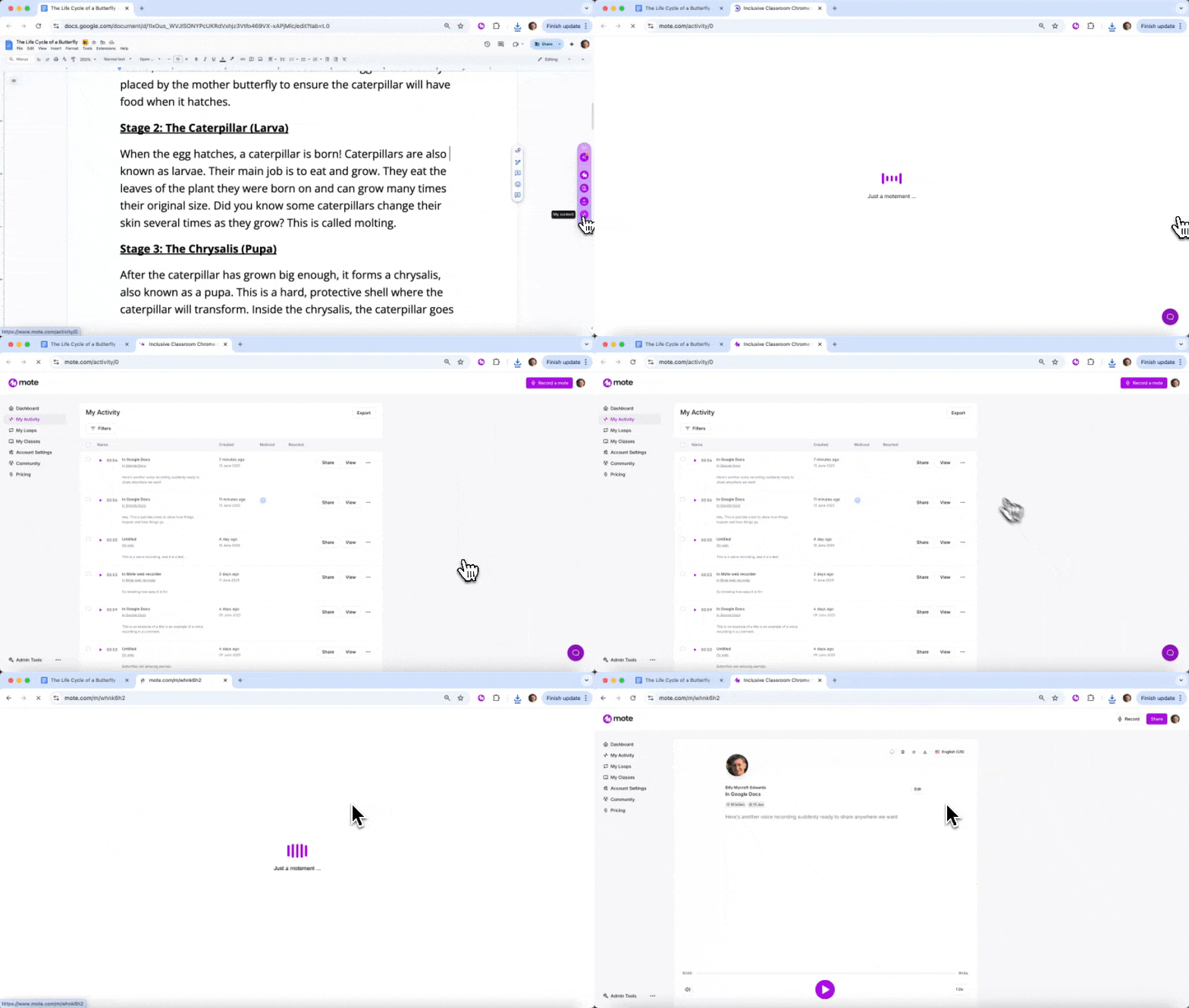
Content Library provides a centralized dashboard where users can access their Mote recordings, manage account settings, and monitor student activity and engagement.
Why it matters:
Enables easy organization and management of all voice content and recordings
Provides usage insights for teachers to track student engagement
Supports administrative oversight and content moderation
MTSS:
Tier 1: Organizational support for all users
Administrative support: Enables tracking and management across all tiers
Did you know...?
Access your complete Mote history, organize content by class or project, and track student engagement with your voice feedback.
Try it yourself
Navigate to www.mote.com/my-content or click the Content Library icon
View and organize your voice recordings and audio files