Teacher Feature Controls
Enable or disable sidebar features for classes and individual students
.png)
Trusted by over 25,000 schools and more than 2 million users


What this feature does:
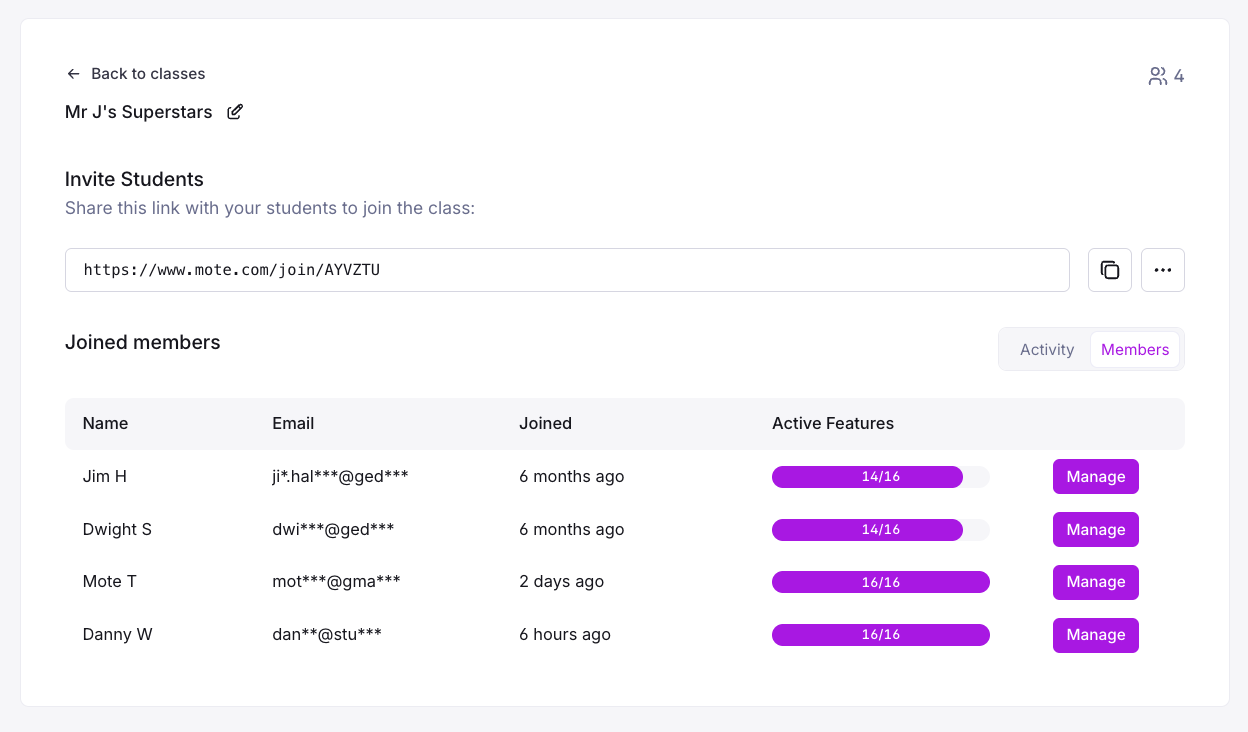
Teachers can enable or disable specific Mote features for their individual classes or individual students. This allows for differentiated instruction and ensures students only have access to tools appropriate for their learning needs and lesson objectives.
Why it matters:
- Enables differentiated instruction by customizing tools for specific classes or students
- Supports lesson-specific controls to focus student attention on appropriate tools
- Allows individualized support for students with different learning needs
- Provides classroom management tools to maintain appropriate usage
MTSS:
- Tier 1: Supports all students with appropriate tool access for their class
- Tier 2/3: Enables targeted support through customized feature sets for individual needs
