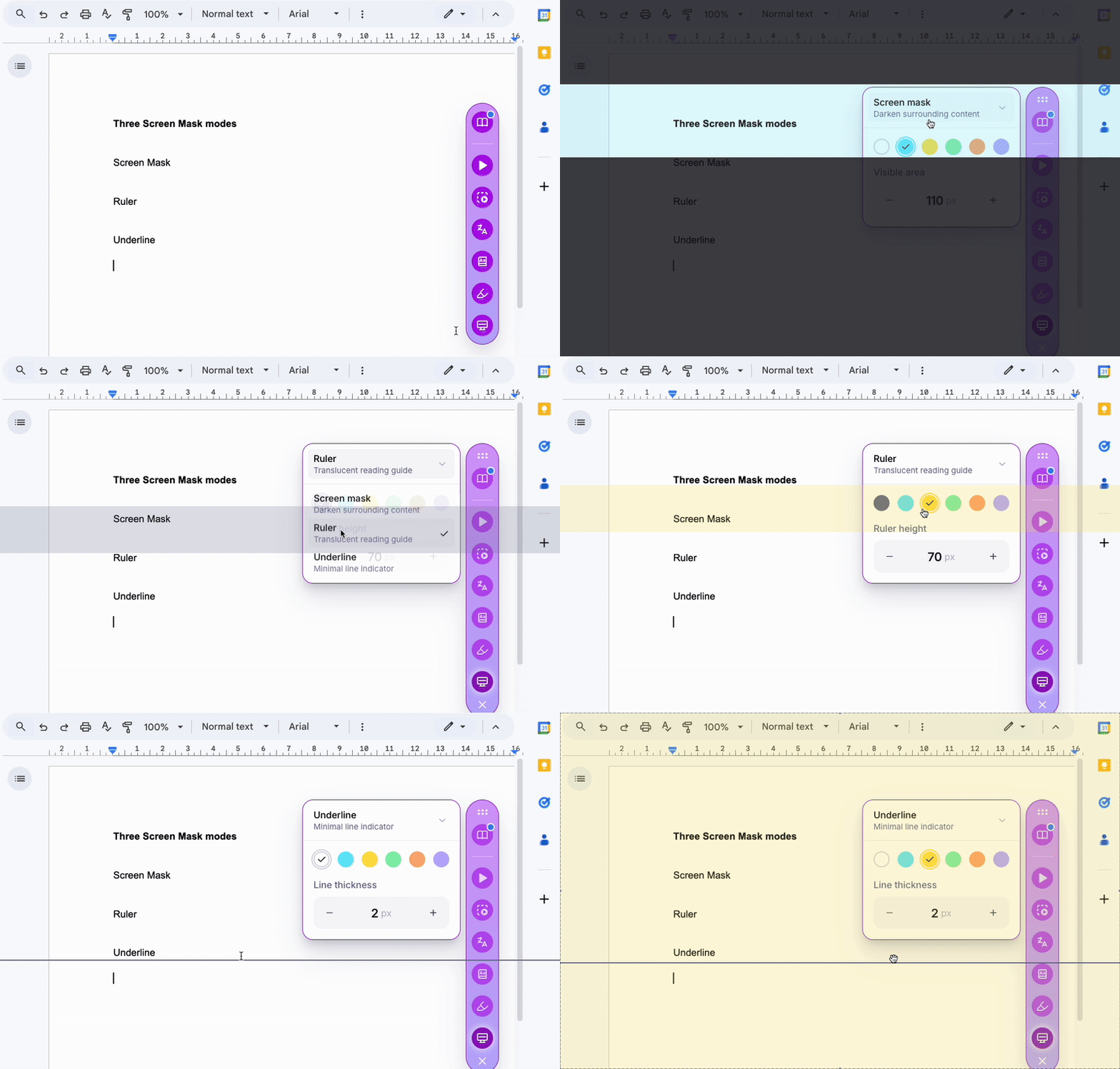
Screen Mask helps a student focus while reading by cutting down visual distraction, and the focus moves down the page with the reader. It offers three modes:
- Mask: dims the page around a single line of text.
- Ruler: a reading ruler that tracks the line you are on.
- Underline: a line under the text you are reading.
The color can be set from a range of dyslexia-friendly options, so the support fits the reader. It works on any webpage, in Google Docs, and on digital reading materials.