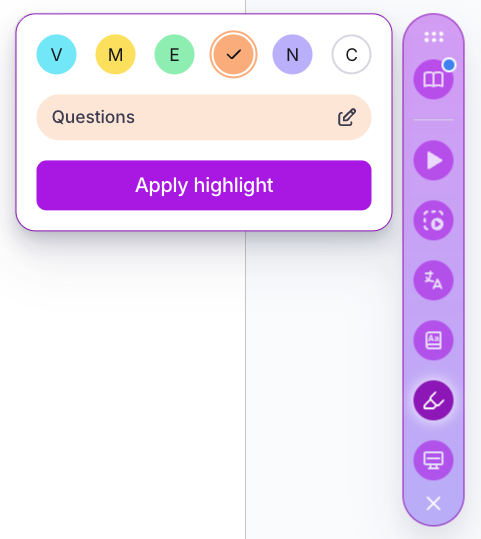
By allowing students to edit the labels, the Mote Highlighter can be customized to a range of reading and research strategies.
Helps teachers to customize highlighting strategies to their class' needs
Helps students to learn highlighting practices based on their preferences
Two of the highlighters have labels that cannot be edited - blue (for vocabulary) and white (for clearing existing highlights)
Simply open the Mote Highlighter, and then select one of the four central colors, then hover over the label and click the 'pencil' icon to edit.